
 iPhone
 Apple Accessories
 Samsung Phones
 Smart Watch
 Google Pixel Phones
 Huawei Phones
 Sony Phones
 itel Mobile Phone
 Monitor Screen

 Television All Brands
 Fridges, Freezer & Chiller Display
 Washing Machines
 Air conditions
 Micro Oven
 Weighing Machine KG weight Measure Scale
 Water Dispenser
 DISHWASHER MACHINE
 FAN ventilateur
 IRON presse & Steamer
 Vacuum Cleaner
 Cooker GAS | Electric Stove
 Blender, Juicer, Grinder, Mixer
 Sandwich Maker
 Deep Fryer
 Rice Cooker
 Chimney & Exhaust fan
 Coffee Maker & Electric Kettle







| Brand | Konica |
|---|---|
| Manufacturer | Konica |
| Model | Bizhub C250i |
| Model Name | Bizhub C250i |
| Product Dimensions | 75 x 67 x 108 cm; 80 Kilograms |
| Item model number | Bizhub C250i |
| RAM Size | 8 GB |
| Computer Memory Type | DIMM |
| Hardware Platform | Linux |
| Max Print Resolution Monochrome | 25PPM |
| Max Printspeed Monochrome | 25 ppm |
| Max Printspeed Colour | 25 ppm |
| Printing Technology | Laser |
| Printing Media Type | Banner paper |
| Printer Output Type | Colour |
| Printing Technology | Laser |
| Printer Media Size Maximum | 12×47 inch |
| Compatible Devices | PC |
| Special Features | Network-Ready |
| Mounting Hardware | Machine, Toner, Original Cover, |
| Wattage | 1.5 KW |
| Connector Type | Ethernet |
| Manufacturer | Konica |
| Item Weight | 80 kg |
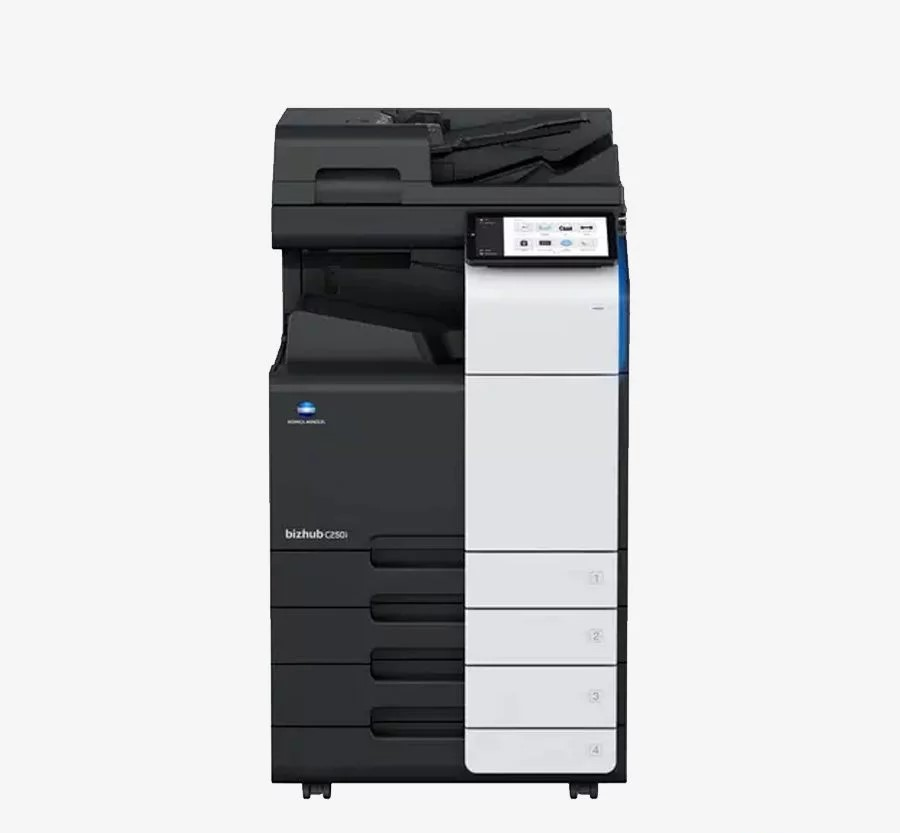
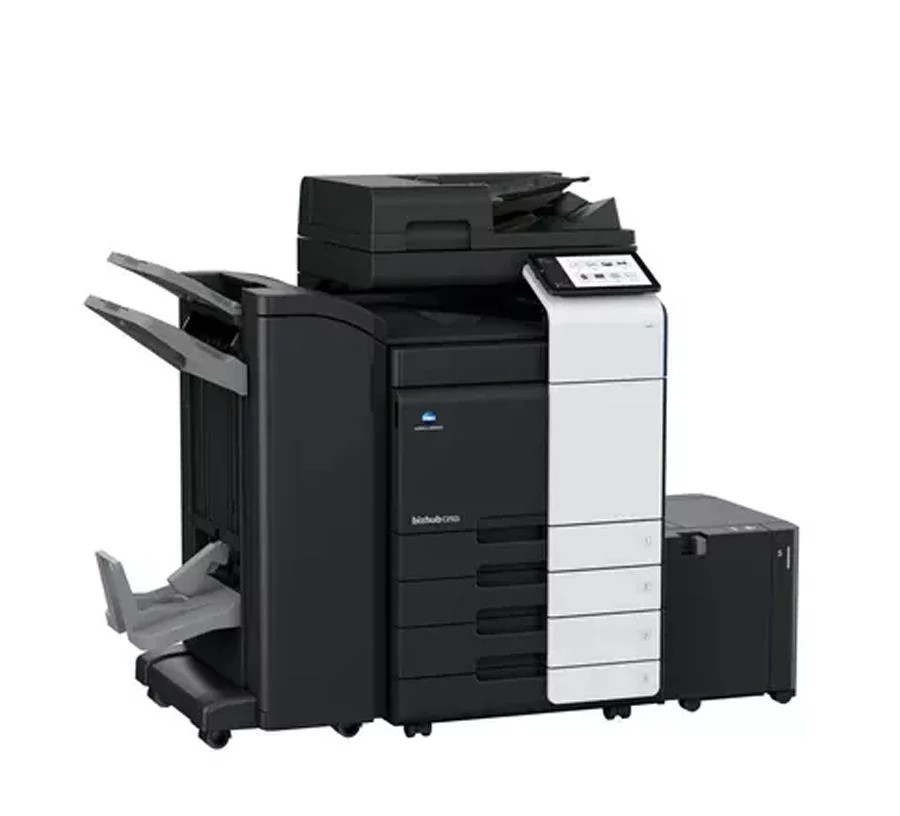
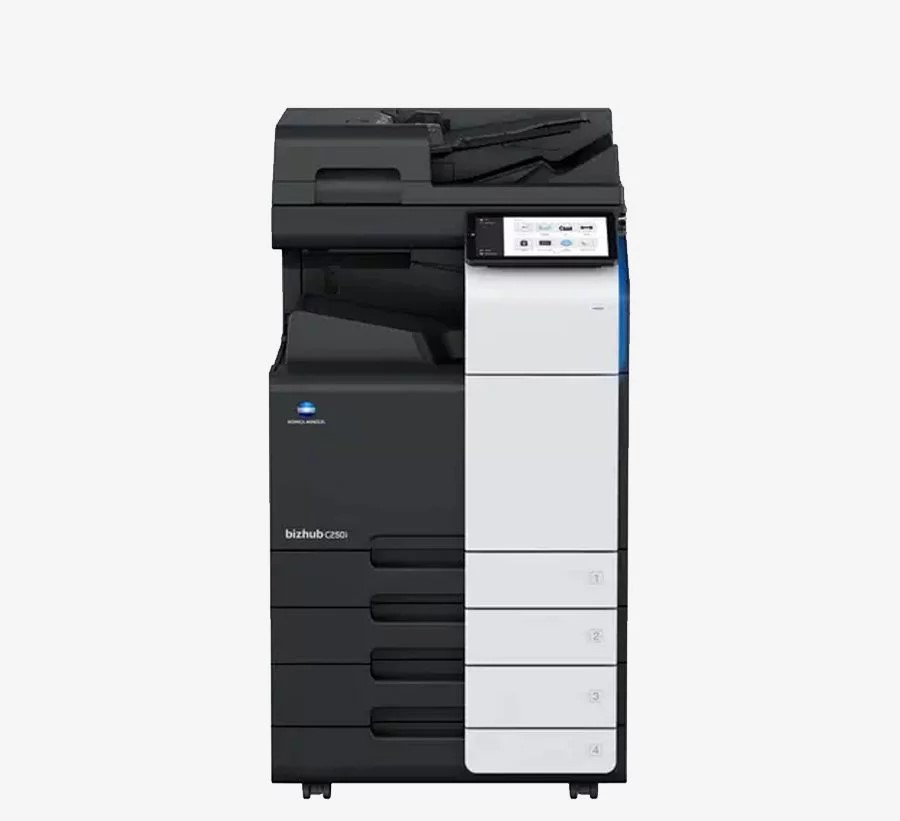
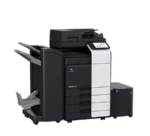
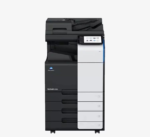

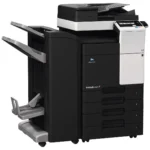
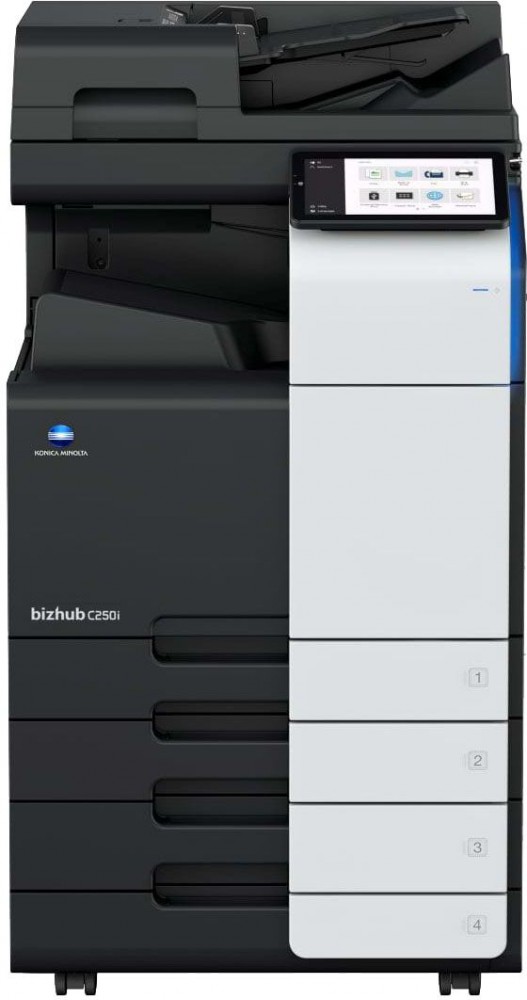
Printer Photocopier Machine KONICA BIZHUB C250I AA2M021: Key Features -25 PPM,Wireless,Duplex , ADF, can print upto 300gsm paper SR A/3, prints bussiness cards.Toner (TN 328 -B,C,Y ,M – 25,000 pages on 5% yield )
Today’s Promotion ON
| Brand | KONICA Minolta |
|---|
Description
About this item
- A5 to 12 X 18 inch Printing Size
- Banner Print Up to 12 X 47 inch
- 52 GSM to 300 GSM Paper Support
- 10.1 inch Touch Panel
- No special skills required to operate
- Vibration feedback (like on smartphones)
- Clear user interface with logical structure
- Intuitive icons
- Minimum steps to complete the operation
- Same control across all i-Series devices256 GB SSD & 8 GB RAM
Description Konica Minolta bizhub C250i
Konica Minolta bizhub C250i is a color MFP device in SRA3 format. The device is designed for medium-sized printing and copying volumes and for efficient document scanning. Support for cloud and mobile printing, efficient work with documents and new personalization options make it possible to set up comfortable work and simplify document flow processes.
Comparison of Konica Minolta C258 and Konica Minolta C250i
The Konica Minolta bizhub C250i model has replaced the popular Konica Minolta bizhub C258 model – what is the difference between the Konica Minolta bizhub C258 and the Konica Minolta bizhub C250i?


Print speed 25 ppm (A4)
15 ppm (A3)25 ppm (A4)
15 ppm (A3)Scan speed up to 160 ppm
(two-sided)up to 200 ppm
(double-sided)First print 6.1 sec (b/w)
7.5 sec (color)5.2 sec (b/w)
6.9 sec (color)Display color touch LCD display,
diagonal 9″ (22.9 cm)color touch LCD display,
diagonal 10.1″ (25.6 cm)Max. printer load, pages/month 80,000 130,000 Monthly load, pp. 13,000 16,000 Memory 2 GB (max. 4 GB) 8 GB CPU frequency 1.2 GHz 1.8 GHz CMY/K Toner Yield 26,000 / 28,000 28,000 / 28,000 Drum life CMY/K 55,000 / 90,000 65,000 / 170,000 HDD HDD 250 GB SSD 250 GB Made for the user
When creating the Konica Minolta bizhub C250i, the developers turned to the experience of leading smartphone manufacturers with intuitive design. As with mobile devices, users can customize the MFP screen to suit their needs.
The most popular features are listed and viewed on the screen, without requiring scrolling or searching. The controls of the Konica Minolta bizhub C250i and all other models in the series are identical. Users can be productive with any i-Series device, regardless of format.
The new controller connects all processes and distributes tasks more efficiently in the central processor. As a result, the MFP responds quickly and reliably to user input. Waiting time when working with Konica Minolta bizhub C250i is reduced to a minimum.

Intuitive interface designed for people
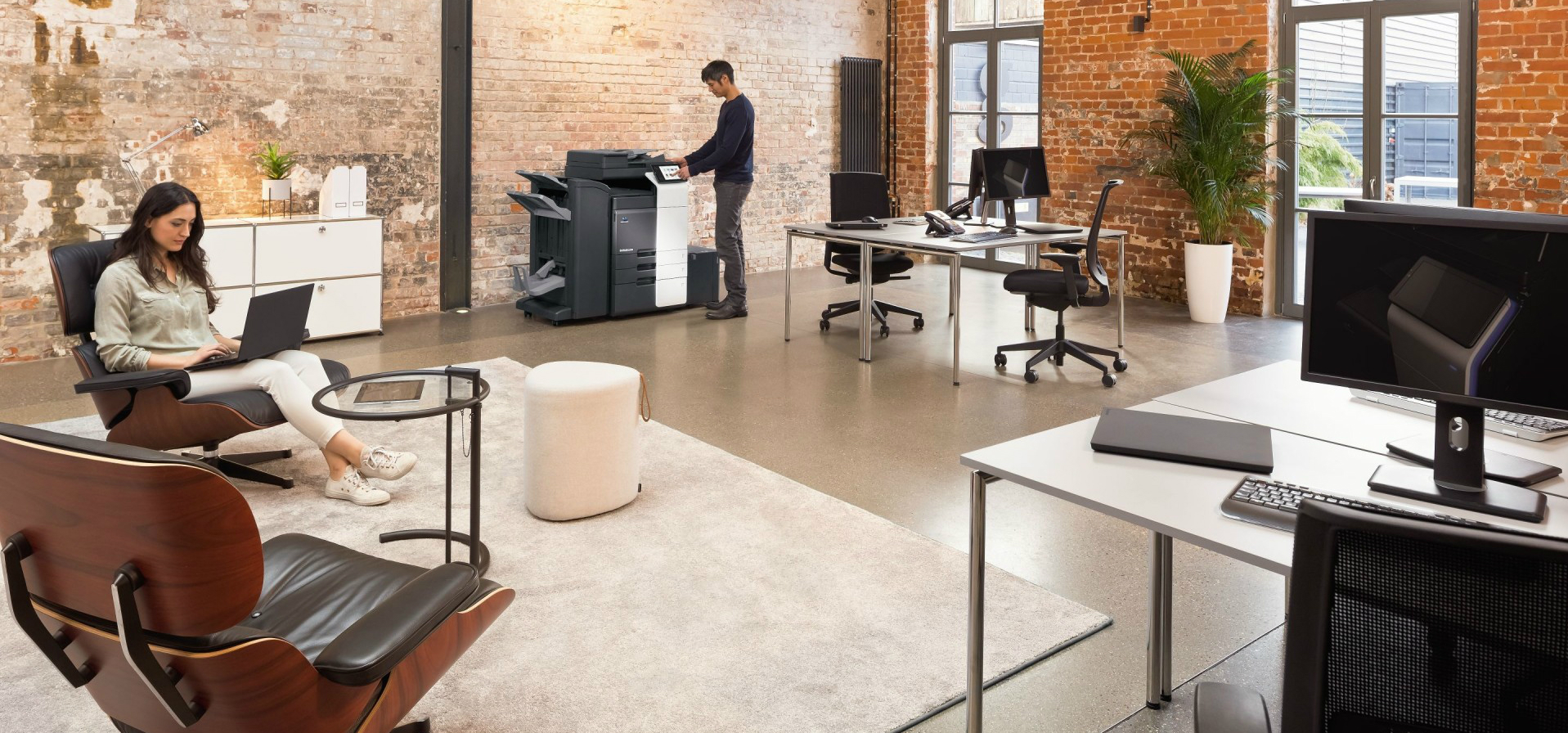
The stylish Konica Minolta bizhub C250i MFP fits perfectly into the office space. It’s all in the details – the floating touchpad, rounded corners and LED device status indicators.
The large 10.1″ touch panel can be tilted from 24° to 90°, making the device easy to use for all users, including people with disabilities.
Advantages of Konica Minolta bizhub C250i
- Functionality, productivity with high-quality results, efficient execution of tasks not only in normal mode, but also remotely
- Built-in cloud services, which means choosing the right function at the right time, and a more convenient workflow for each user
- Built-in next-level security technology for a secure business environment
Modern interface
- Clean and nice looking
- Direct access to work scripts
- Simple and intuitive navigation
- Fast and responsive
- The most popular settings in quick access
- Dropdown menus for some settings
- Scan settings and destinations on one screen
Available interface options
- Modern – maximum simplicity and direct access to the most frequently used settings
- Classic – interface similar to the interface of previous generation devices
- Classic (quick access) – classic menu for quick access to all settings on one screen
Functionality
A 1.8 GHz quad-core processor, 8 GB of RAM and a 256 GB SDD drive give the Konica Minolta bizhub C250i best-in-class first print speed: 5.2 seconds in black and white and 6.9 seconds in color. The MFP supports printing on media up to SRA3 with a density of up to 300 g/m2 and printing banners on paper up to 1.2 meters long.

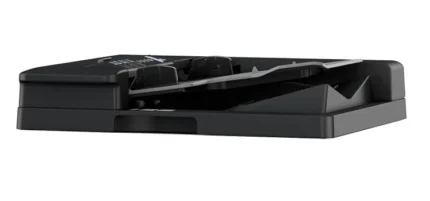
The optional duplex ADF provides scanning speeds of up to 200 images per minute. The single-pass automatic feeder is equipped with an ultrasonic double-feed sensor. If an original is fed twice, the sensor will stop the scanning process and display a message and image of the last page scanned on the panel. Scanned documents can be saved in JPEG, TIFF, PDF, compact PDF, PPTX, XPS and compact XPS formats. Optionally, it is possible to save documents in Searchable PDF and PPTX, DOCX, XLSX, and PDF/A formats.
Konica Minolta bizhub C250i MFP characteristics table
System Finishing capabilities (optional) Sorting and grouping by offset, Stapling, Punching, Half folding, Envelope folding, Stitching Stitching Max. 50 sheets or 48 sheets + 2 cover sheets (up to 209 gsm) Folding under an envelope Max. 3 sheets Output tray capacity (“for envelope”) Max. 30 sheets, unlimited (no tray) Booklets Max. 20 sheets or 19 sheets + 1 cover sheet (up to 209 gsm) Output Capacity (Booklets) Max. 100 booklets, unlimited (no tray) Printer Fonts 80 PCL Latin; 137 PostScript 3 Emulation Latin Mobile printing AirPrint (iOS), Mopria (Android), Konica Minolta Mobile Print (iOS/Android/Windows 10 Mobile), Mobile Authentication/Mobile Link (iOS/Android/Windows 10 Mobile), (iOS/Android)Optional: Google Cloud Print, WiFi Direct Copier Warm-up time About 11 sec. in b/w; 13 sec. in color Custom boxes Maximum number of documents Up to 3,000 documents or 10,000 pages Types of boxes Public, Personal (with password and authentication), Group (with authentication) Types of system boxes Secure Print, Encrypted PDF Print, Fax Receive, Fax Send System functions Safety Optional: Real-time antivirus scanning (BitDefender), Copy protection (Copy Guard, Password Copy) Accounting Up to 1000 accounts, Active Directory support (username + password + email + smb folder), limited functionalityOptional: Biometric authentication (finger capillary pattern scanner), pass authentication (card reader), mobile device authentication (Android/iOS) Software Net Care Device Manager; Data Administrator; Box Operator; Web Connection; Print Status Notifier; Driver Packaging Utility; Log Management Utility Technical Details
Shipping
Reviews (0)
You must be logged in to post a review.
Questions & Answers
Loading...
Shipping & Delivery
More Products

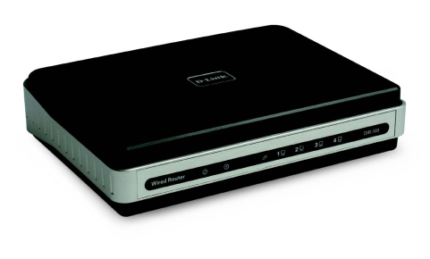
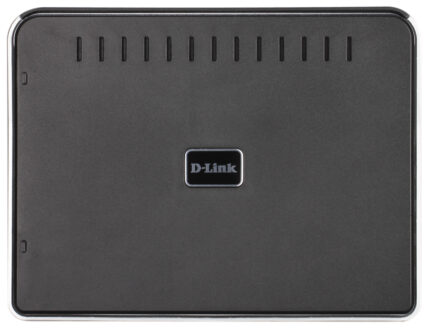
Router D-Link DIR-100/E DSL/Cable Gateway with built-in 1 10/100Mbps Router
Router D-Link DIR-100/E DSL/Cable Gateway with built-in 1 10/100Mbps Router
- Cable/DSL modem Internet sharing
- 1 10/100Base-TX port for DSL/cable modem connection (WAN)
- WAN port supports PPPoE for on-demand connectivity
- Firewall features include NAT, MAC/IP/URL filtering, domain blocking and scheduling
- VPN pass-through (PPTP, L2TP, IPSec)
- D-Link Packet Prioritisation Engine for Quality of Service (QoS) support.Dynamic DNS
- D-Link Click’n Connect wizard
Today’s Promotion ON
Product Enquiry
Product Enquiry
Related products


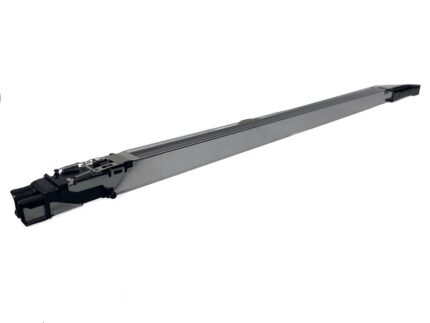
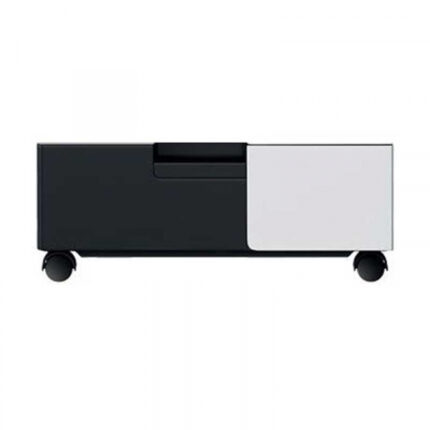
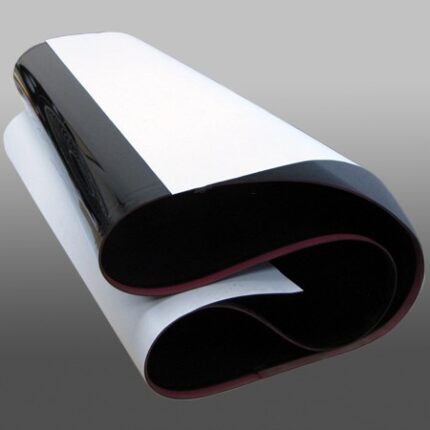


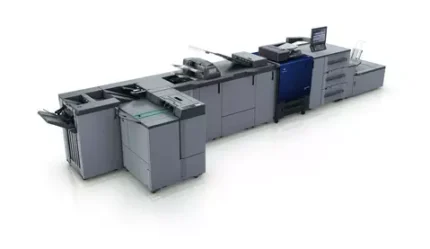
Printer Photocopier Machine KONICA COPIER ACCURIO PRESS C3070 AAC3021
- Digital colour on-demand press – high print speed of 81/71 ppm
- Comprehensive media handling, supporting media from 62 to 350gsm and up to 1,300mm length
- Automated consistency with features like S.E.A.D. IV imaging and the Integrated Color Care Unit
- Dual colour scanner with the highest scanning speed in the class, enabling scanning a 240ipm
- Sophisticated finishing versatility, including booklet making, perfect binding, auto ring binding






































Reviews
There are no reviews yet.